Features
Price
Resource
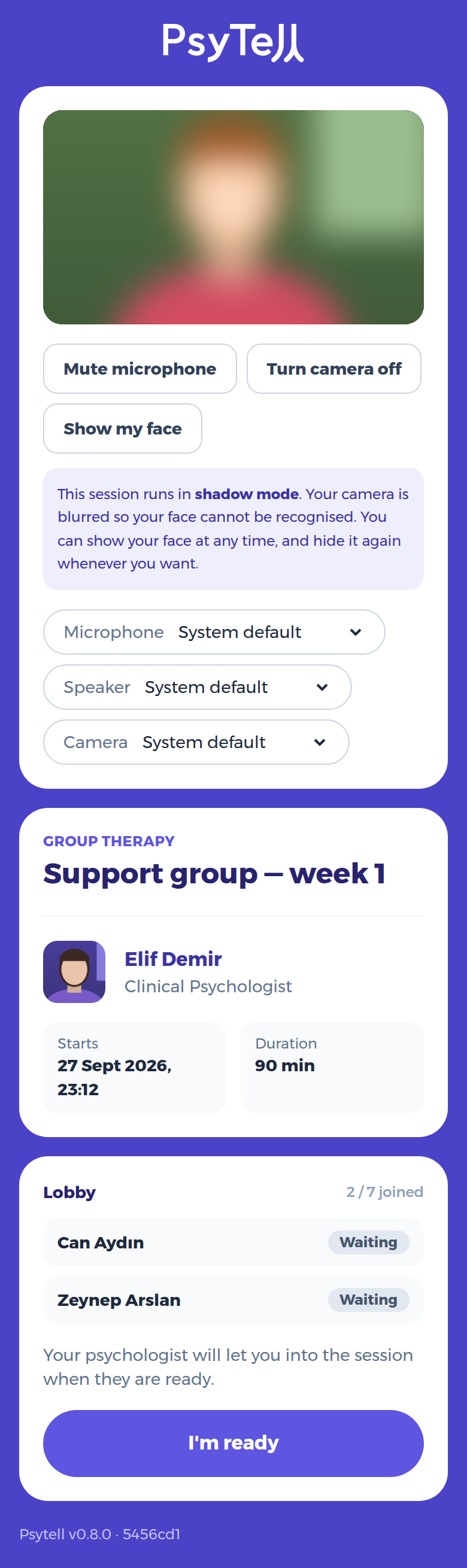
When you open the link, the browser asks for permission to use your camera and microphone. Please allow it. You arrive in the lobby:
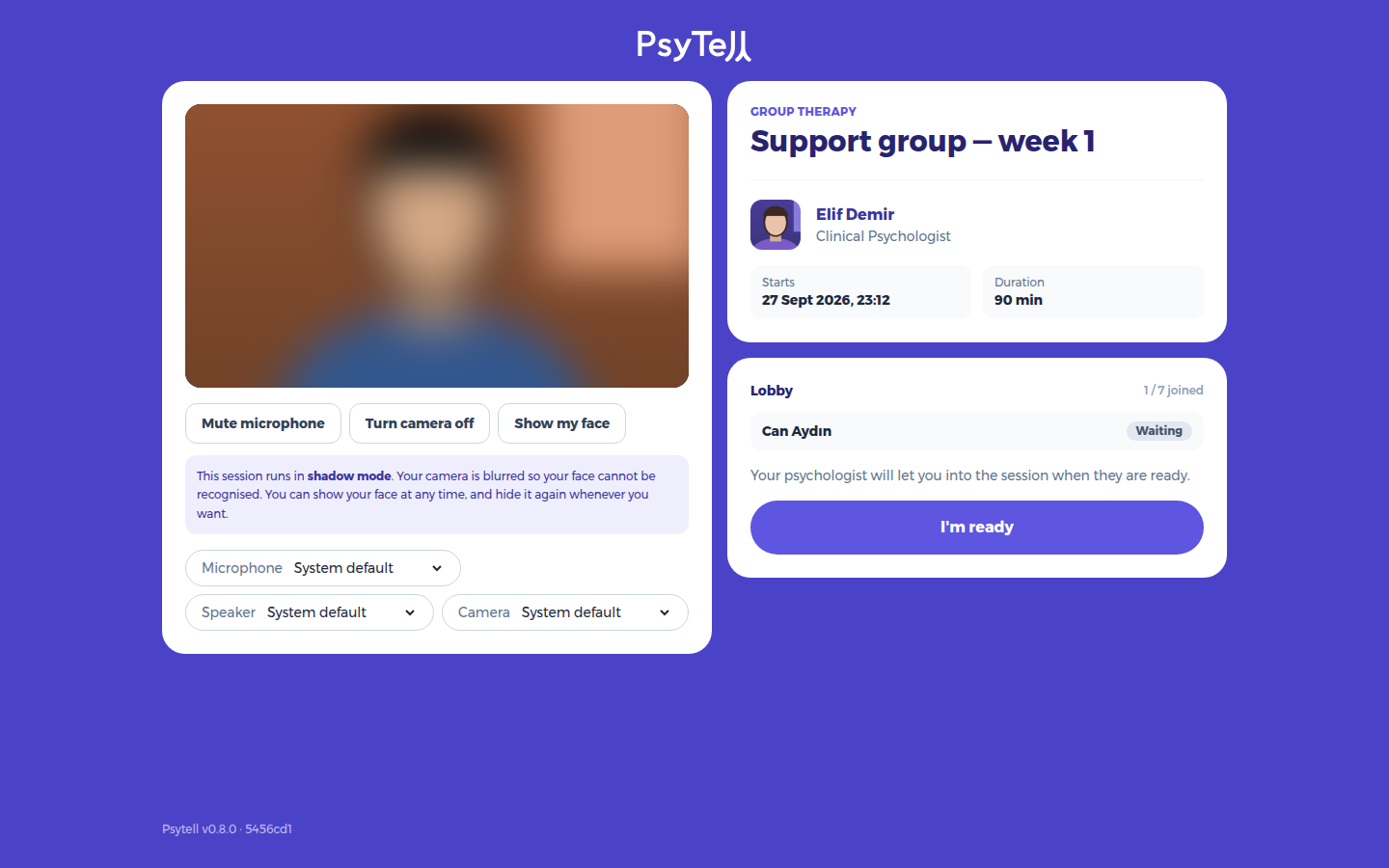
When you are set, press I'm ready. Your User sees that you are ready.
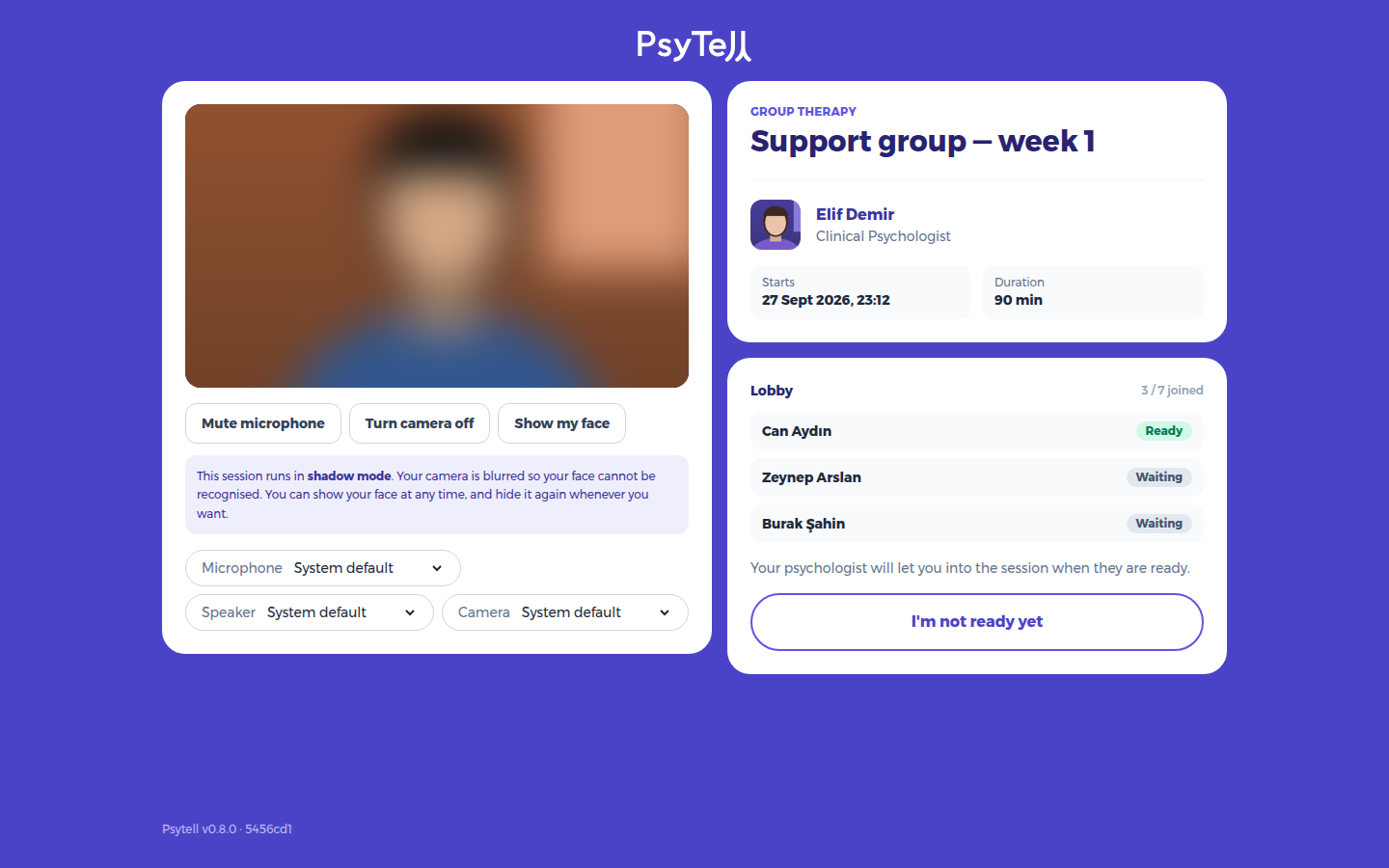
If the session runs in shadow mode, your camera is heavily blurred so your face cannot be recognised. You can press Show my face at any time, and hide it again whenever you want.
Everything works the same on a phone: