


Features
Price
Resource
Click Start session on the session page, the room page or the dashboard. The room opens in its own browser window, so your dashboard stays where it is. If your browser blocks pop-ups, the room opens in the same tab. Rejoin room brings the same window back.
Pressing Start is what uses up one of the room's sessions.
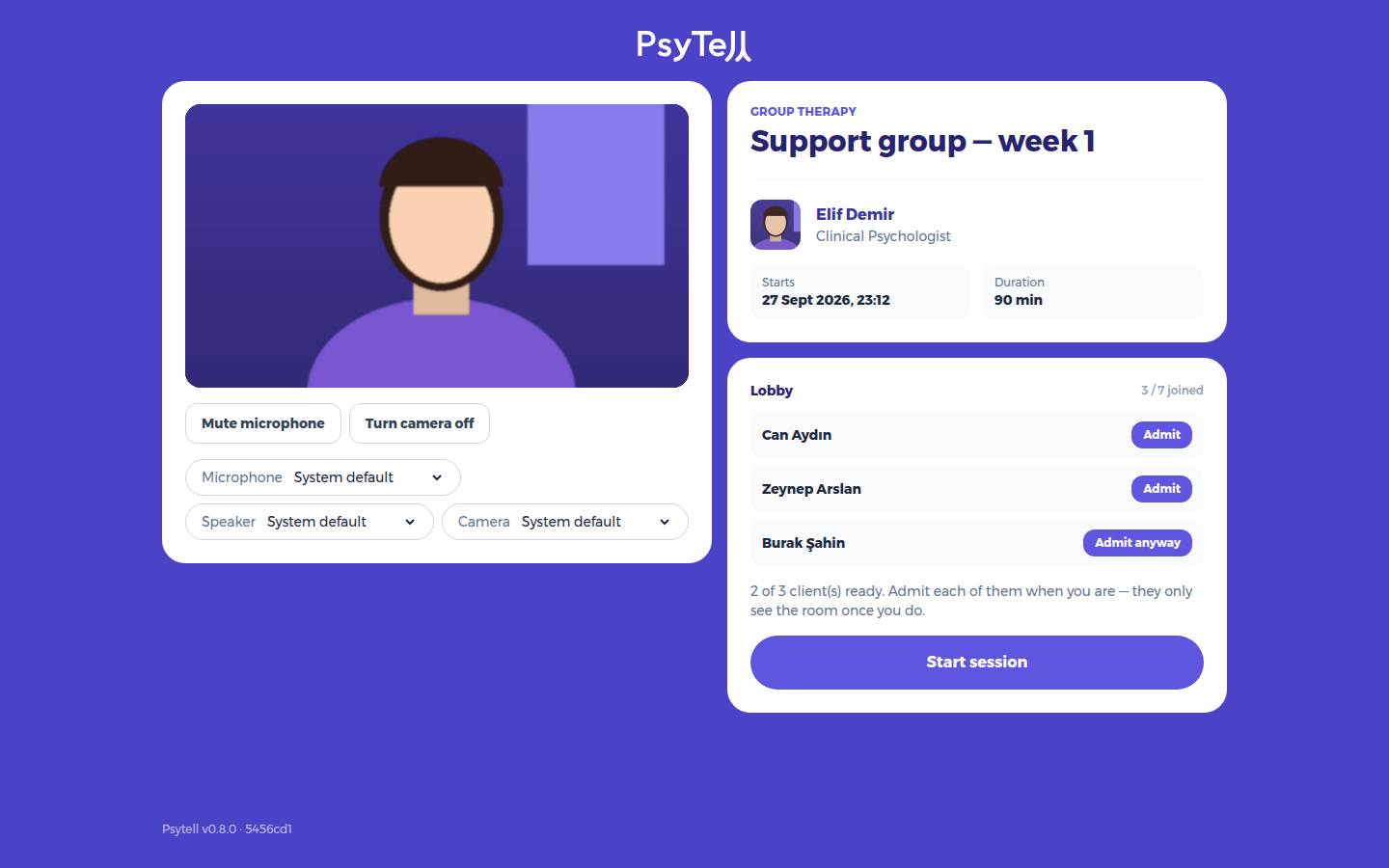
Admit lets a client in (Admit anyway if they have not pressed I'm ready). You can admit people before or after you press Start session. Clients only see and hear the room once you have both started the session and admitted them.