Features
Price
Resource
Once you are let in, you see your User and the other participants.
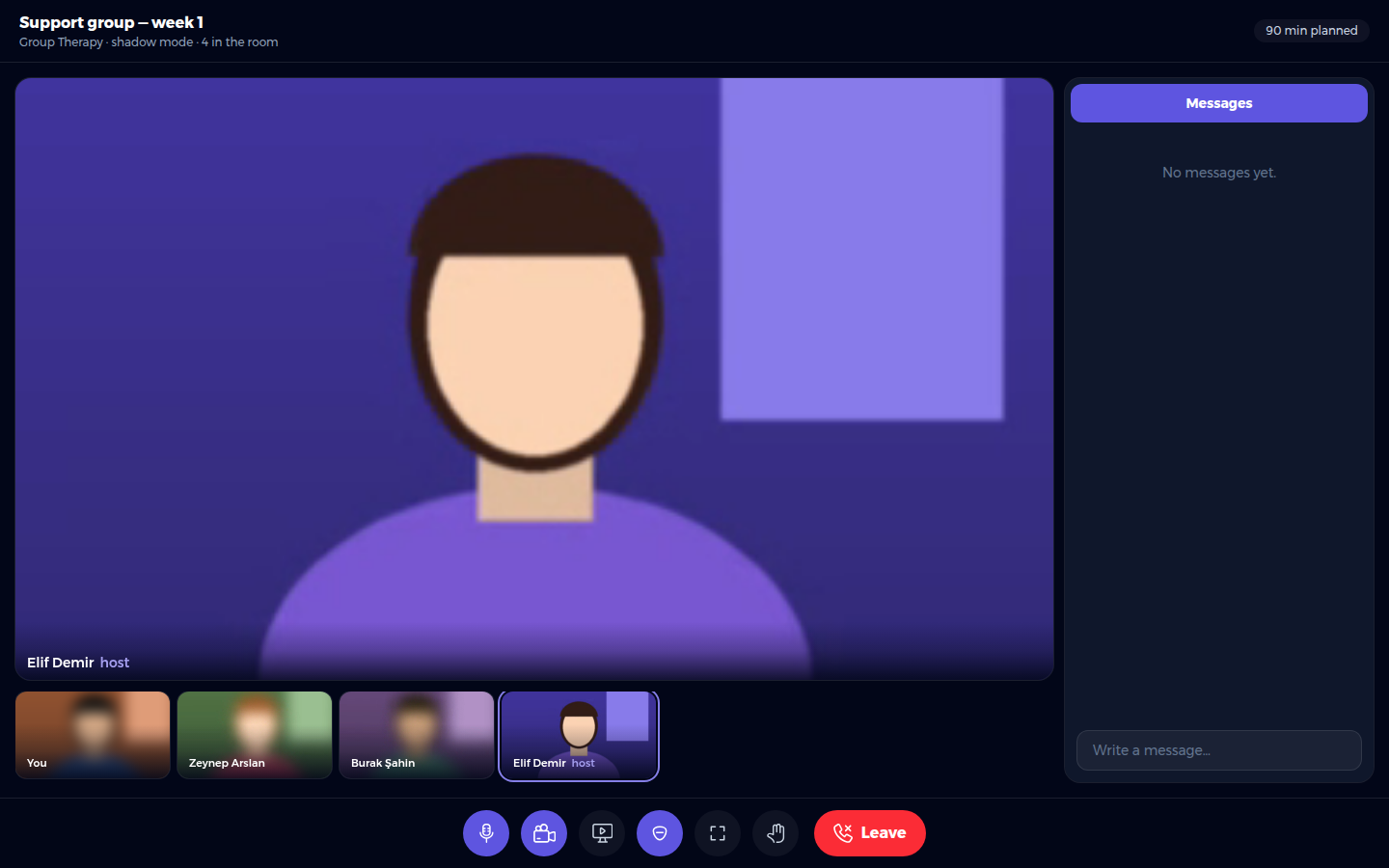
The buttons at the bottom, from left to right:
On the right is Messages, a chat everyone in the session can read.
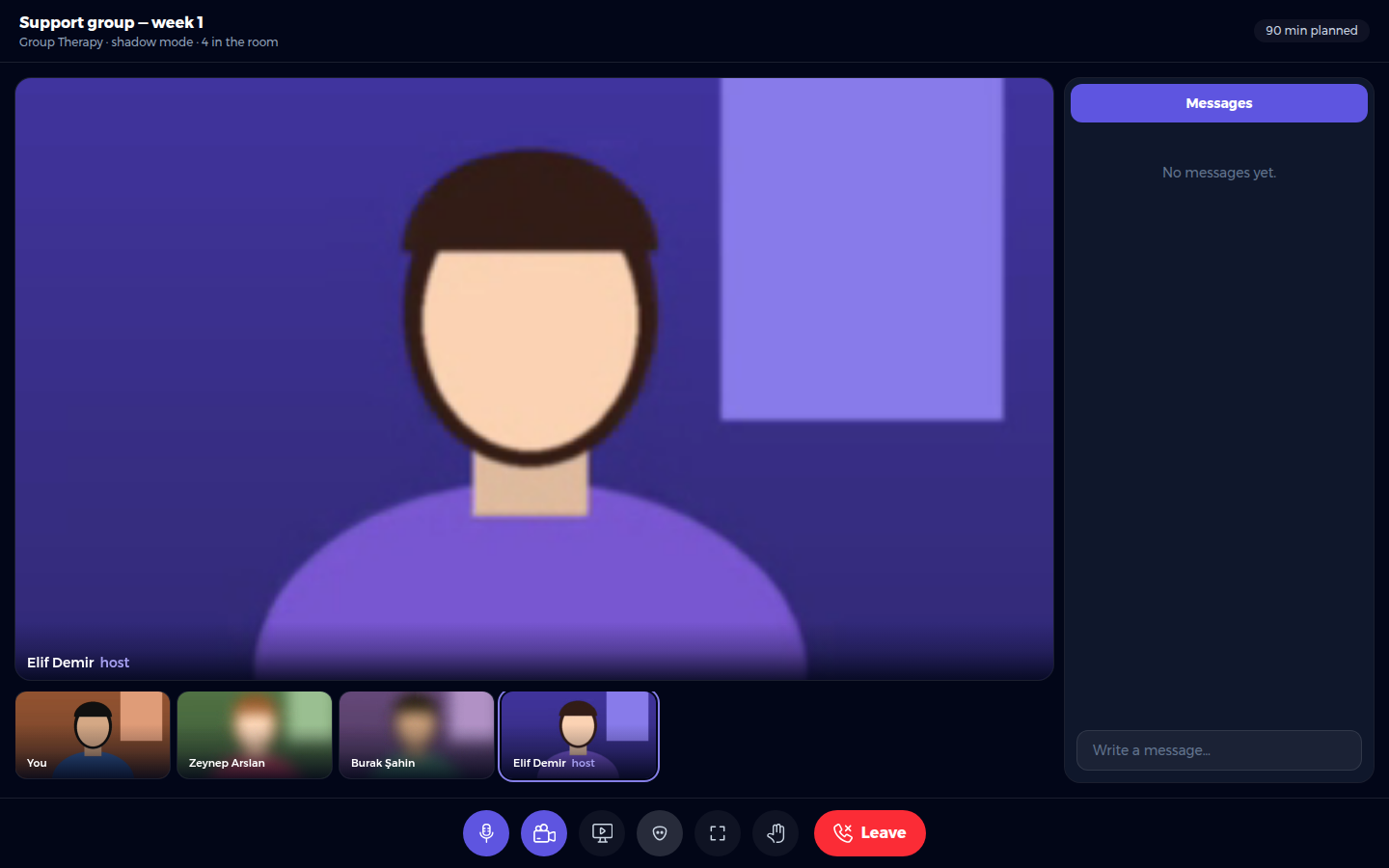
If screen sharing is on, you can show a document or a worksheet. Only one person can share at a time. In shadow mode you first see a reminder: the blur hides your face, but not what you share. Close anything personal first and share a single window when you can.
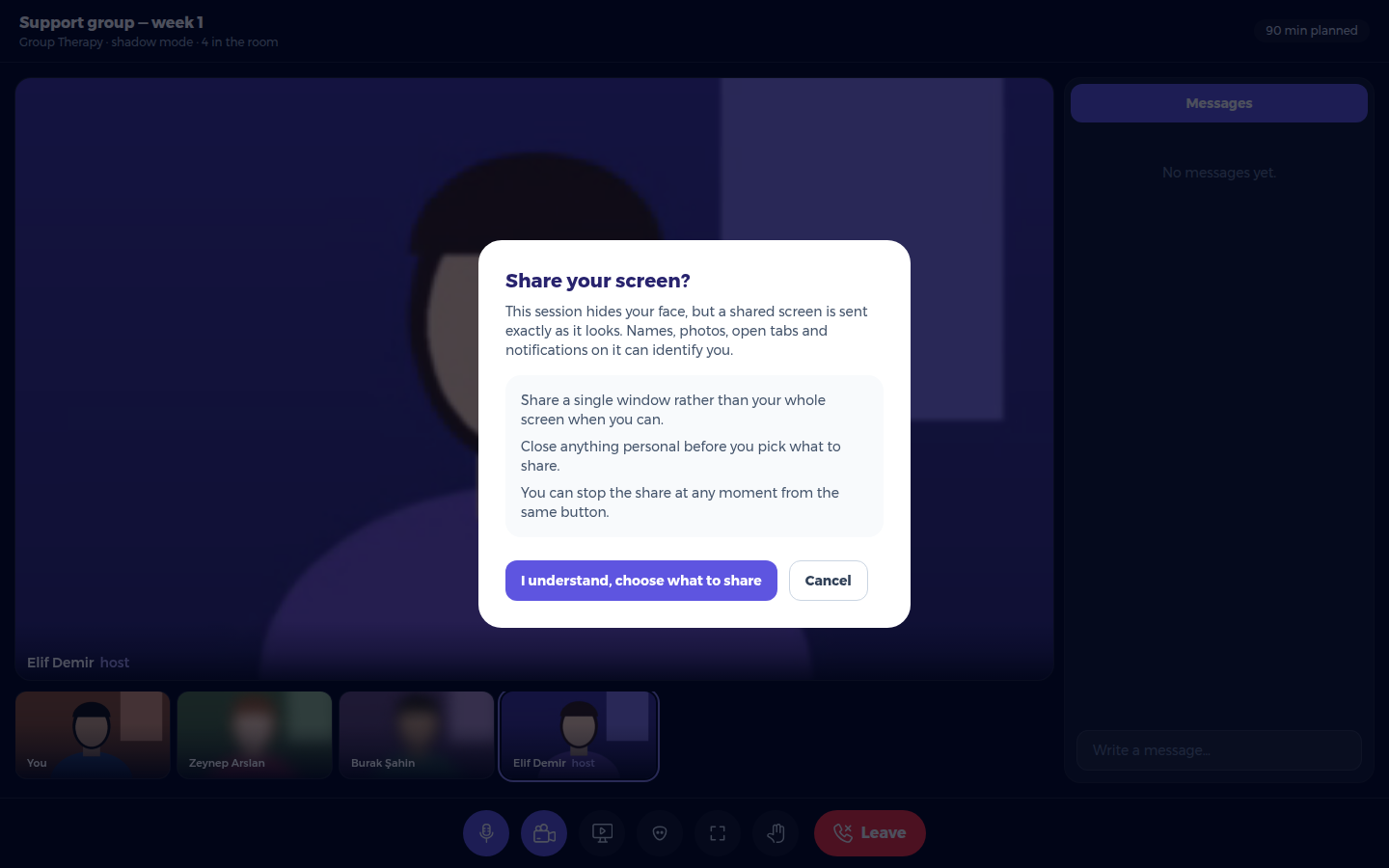
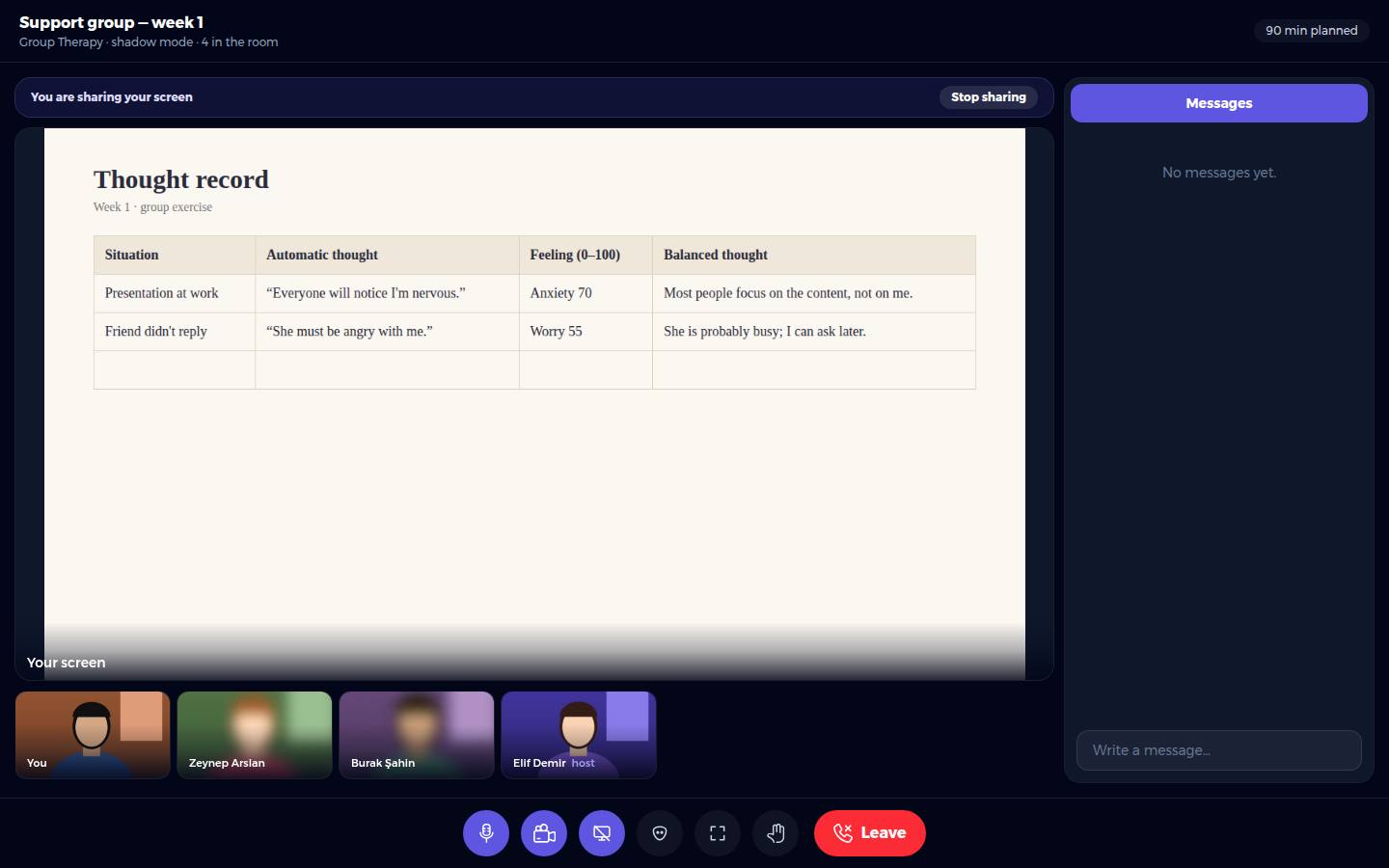
Press Stop sharing (or the same button again) to stop. Your User can also stop a share.