Resources / Documentations / Silhouette View
Silhouette View
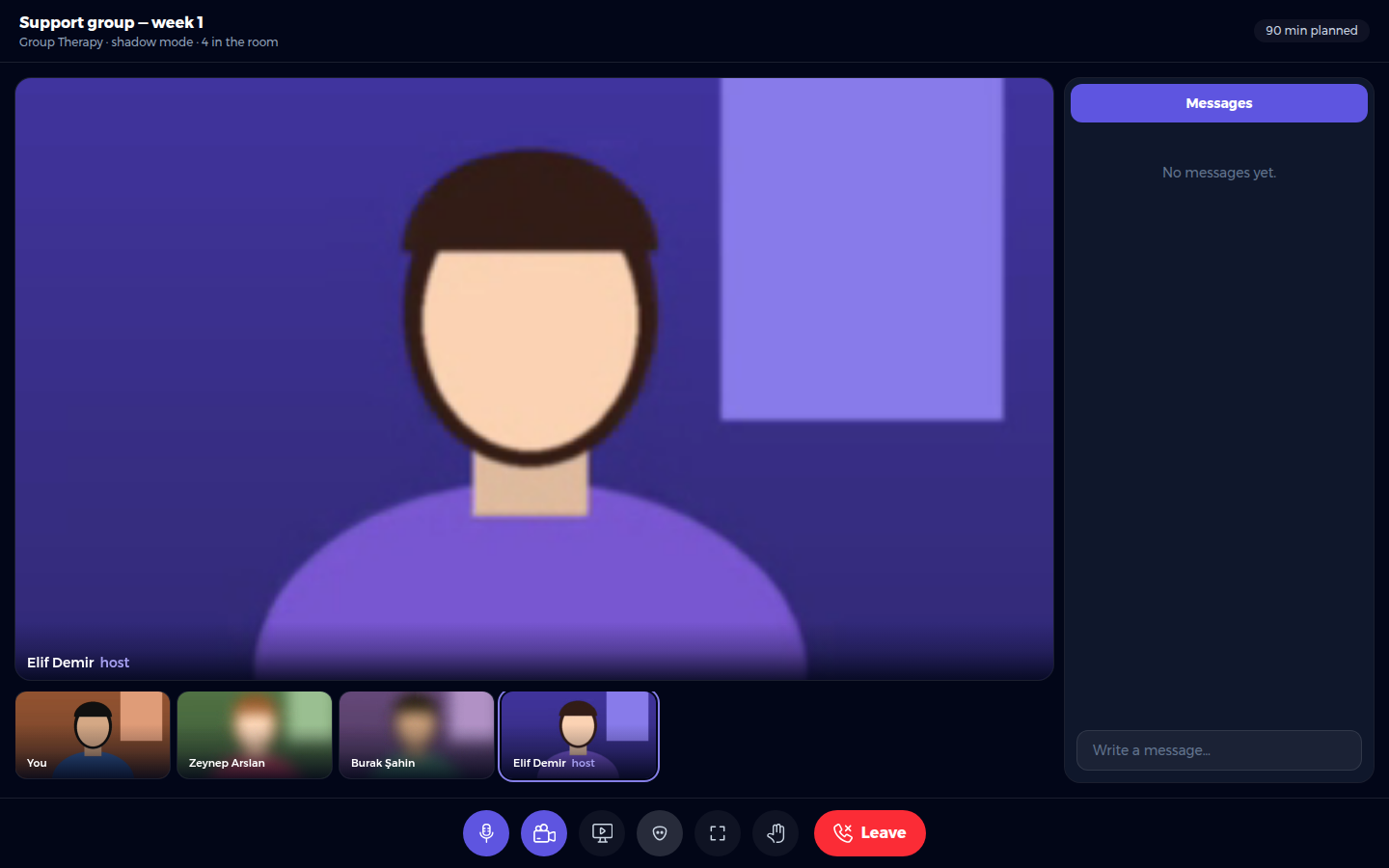
Silhouette view, also called shadow mode or shadow therapy, lets clients join with their camera heavily blurred so their face cannot be recognised.
For Users
- Tick Shadow therapy when you create the session.
- It is available for individual and group sessions whenever the room's bundle includes silhouette view.
- The room header shows whether shadow mode is on.
For clients
- Your camera starts blurred, already in the lobby.
- Press Show my face at any time, and hide it again whenever you want.
- In the room, the Mask button blurs your face or shows it.
The blur hides your face, but not what you share on screen. See Screen Sharing.


