Resources / Documentations / Screen Sharing
Screen Sharing
Screen sharing needs two switches: the room's bundle must include it, and the session must have Screen sharing ticked.
- When the session allows it, anyone can share, one person at a time.
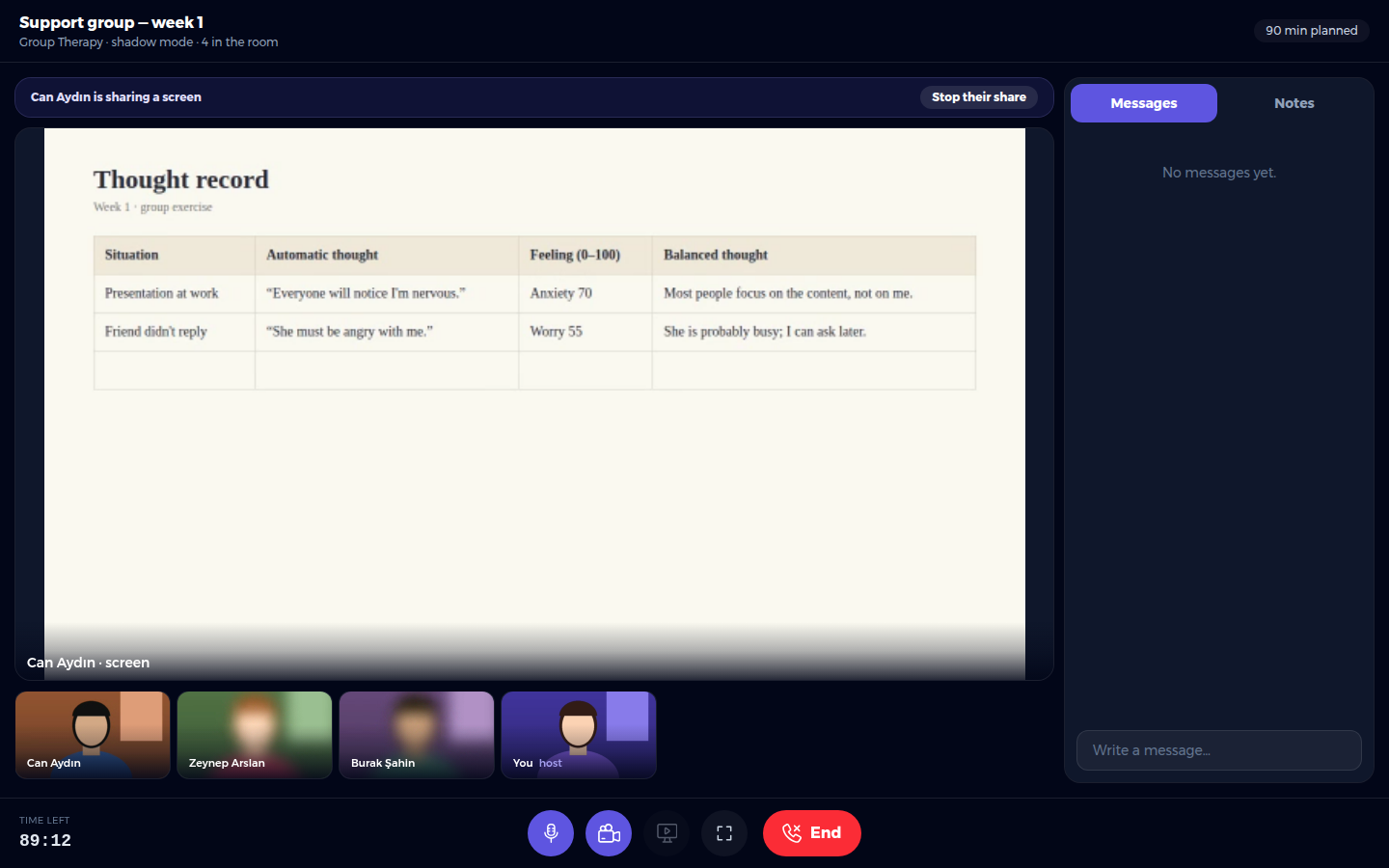
- When a client shares, you see their screen on the stage and can take the room back with Stop their share.
- In shadow mode, clients first see a reminder that the blur hides their face but not what they share.