


Features
Price
Resource
Every session lives in a session room. A room is usually one client, one couple or one group, for example "Individual: Ayşe K." or "Wednesday support group".
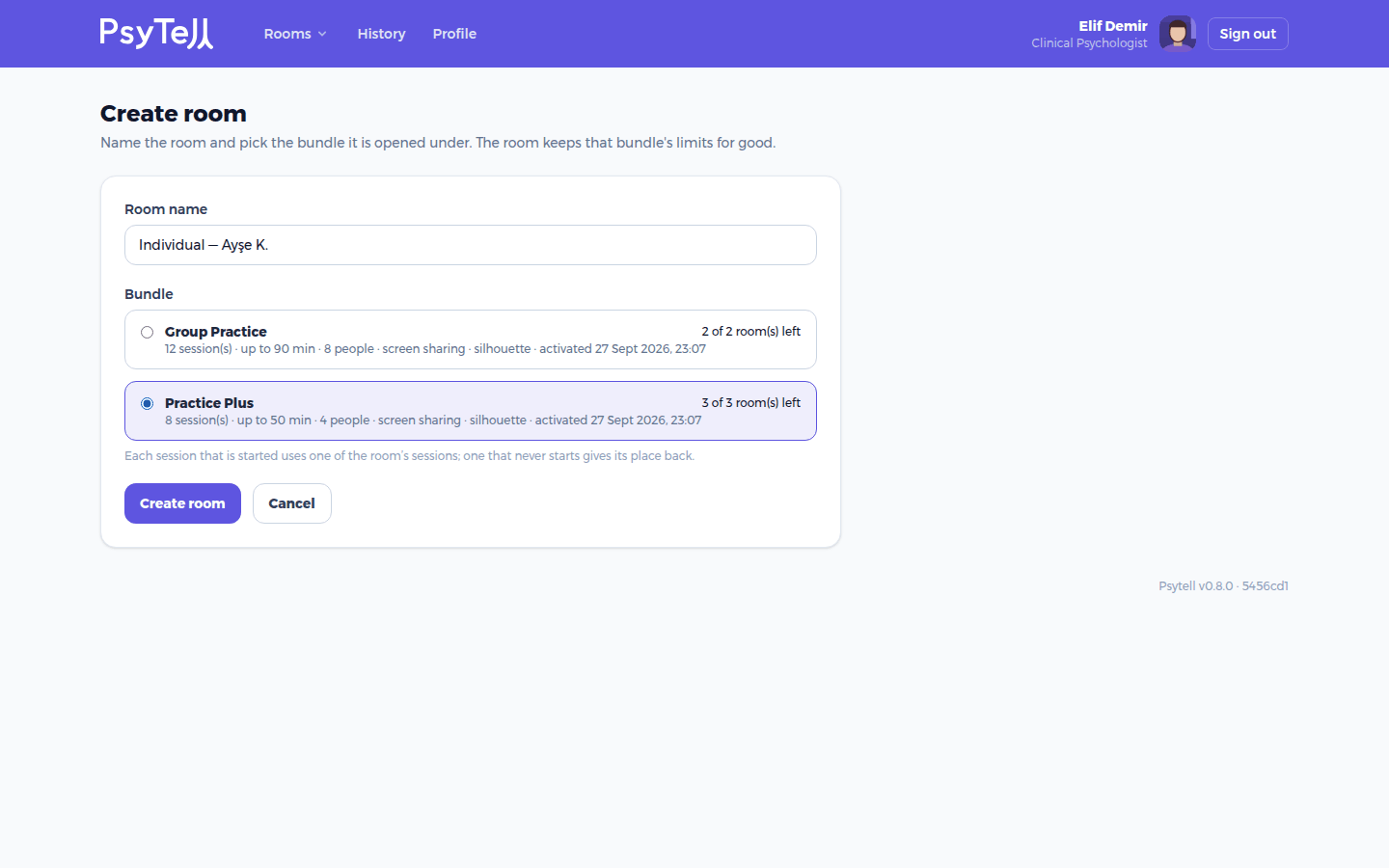
The room keeps the limits of its bundle for good: the number of sessions, the longest session, how many people fit, and whether screen sharing and shadow mode are available.
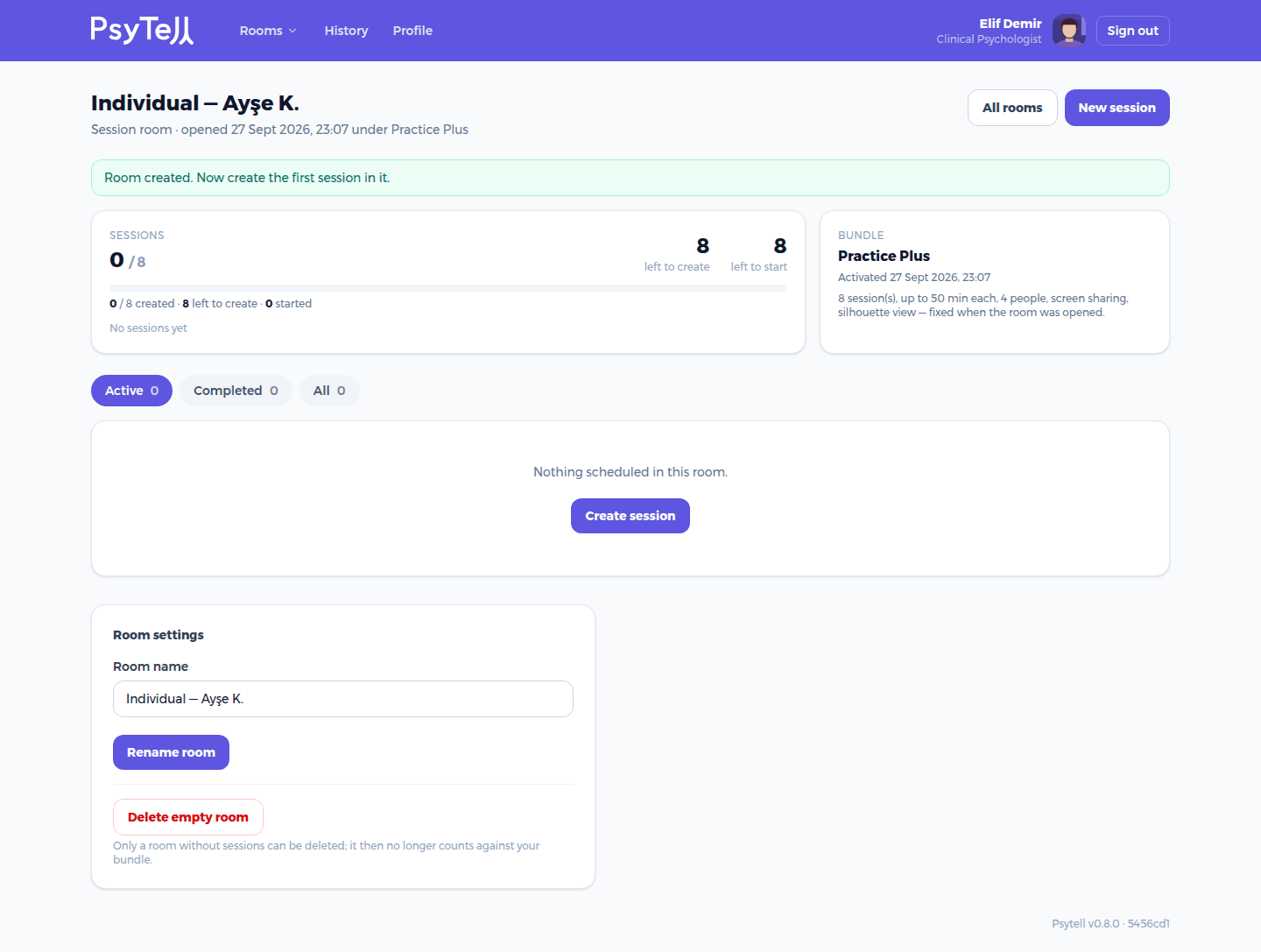
On the room page you see how many sessions are created, left to create and started. You can filter sessions (Active / Completed / All), rename the room, and delete it as long as it has no sessions. Deleting an empty room gives the place back to your bundle.