Resources / Documentations / Room Controls
Room Controls
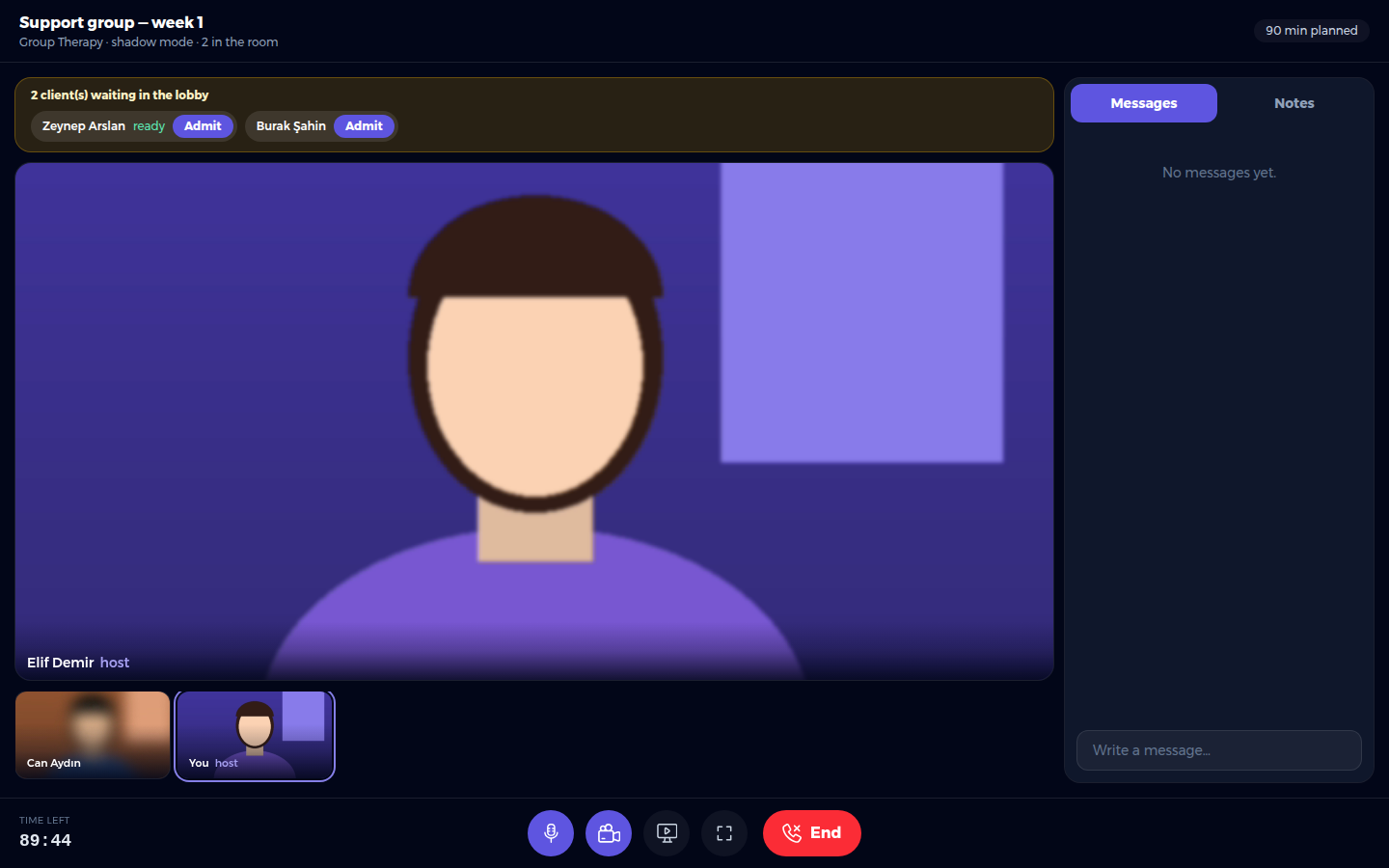
- Lobby strip (amber). Clients who are still waiting, including late joiners. Click Admit next to each name.
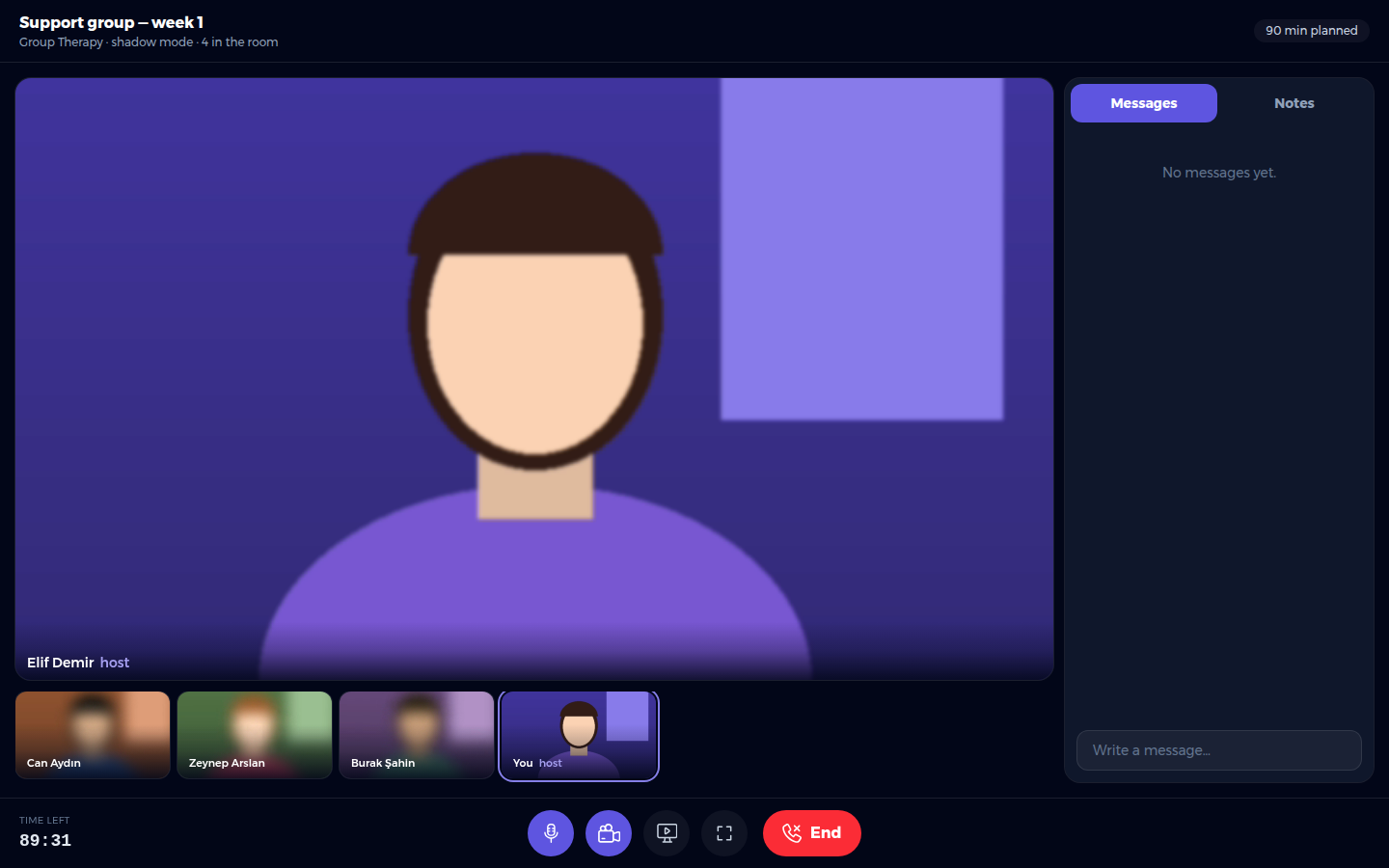
- Stage and thumbnails. Everyone in the room. The header shows the session format, whether shadow mode is on, and how many people are in the room.
- Time left / Overtime (bottom left). Only you see the clock; clients never see a countdown.
- Control bar. Microphone, camera, screen sharing (if the session allows it), full screen, and End.
- Messages. A chat with everyone in the room.
- Notes. Private notes for you only.
Full screen and privacy
- The full screen button enlarges the room without changing the layout.
- Right-click, picture-in-picture and video download are switched off in the room.
- If the browser refuses the camera or microphone, an amber banner appears at the top.


